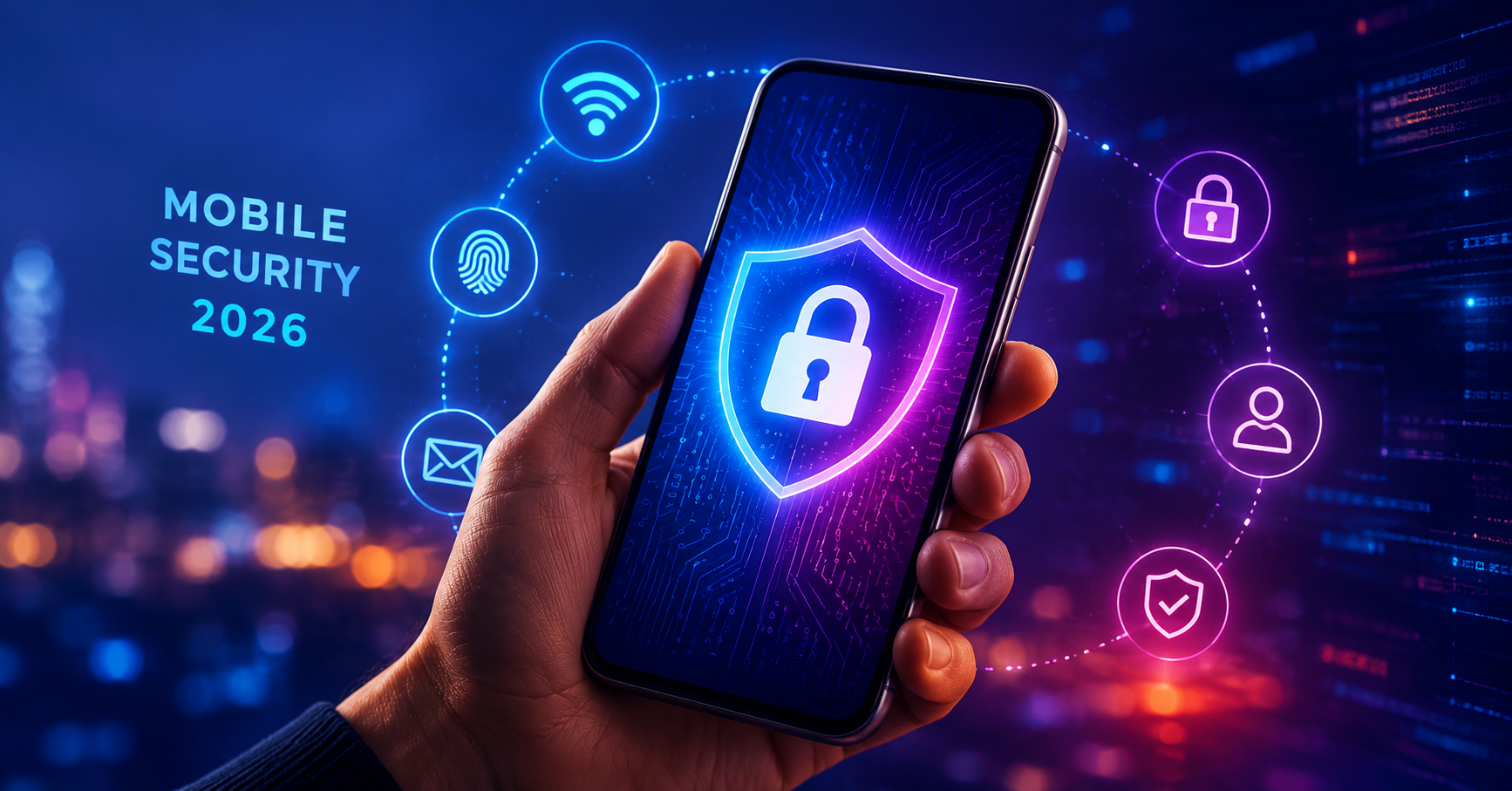
Many smartphone users assume that installing an antivirus app is enough to keep their device secure. While security software can provide an additional layer of protection, it is not the most important factor in protecting your personal data.
Modern Android and iPhone devices already include built-in security features, regular software updates, app sandboxing, encryption, and advanced threat detection systems. In reality, your daily habits have a much greater impact on your security than any antivirus application.
If you want to keep your smartphone safe in 2026, focus on these seven essential security habits.
1. Keep Your Phone Updated
Software updates are one of the most effective defenses against cyber threats. Smartphone manufacturers regularly patch security vulnerabilities that hackers may try to exploit.
Whether you use an iPhone, Samsung Galaxy, Google Pixel, or another Android device, enabling automatic updates ensures you receive important security fixes as soon as they become available.
Tip: Turn on automatic updates for both your operating system and installed apps.
2. Use Strong Passwords and Passkeys
Weak passwords remain one of the biggest security risks. Using the same password across multiple accounts can allow a single breach to expose your entire digital life.
Instead, use unique passwords for every account and consider switching to passkeys whenever supported. Passkeys offer stronger protection and eliminate many common phishing risks.
A trusted password manager can help generate and store secure credentials without requiring you to remember them all.
3. Enable Two-Factor Authentication (2FA)
Two-factor authentication adds an extra layer of protection beyond your password. Even if someone discovers your login credentials, they will still need a second verification method to access your account.
Important accounts that should always have 2FA enabled include:
- Email accounts
- Online banking
- Cloud storage services
- Social media platforms
- Shopping accounts
Authenticator apps generally provide stronger security than SMS verification codes.
4. Download Apps Only From Trusted Sources
Many malware infections begin with unsafe downloads. Installing apps from unofficial websites or unknown sources increases the risk of downloading malicious software.
Stick to trusted app stores such as:
- Apple App Store
- Google Play Store
- Samsung Galaxy Store
Before installing an app, check reviews, developer information, permissions, and update history.
If an app asks for permissions that seem unrelated to its purpose, think twice before installing it.
5. Review App Permissions Regularly
Many apps request access to features they do not actually need. Over time, you may grant permissions and forget about them entirely.
Take a few minutes every month to review access to:
- Location services
- Camera
- Microphone
- Contacts
- Photos and files
- Bluetooth
Removing unnecessary permissions helps protect your privacy and reduces the amount of personal information apps can collect.
6. Avoid Public Wi-Fi Without Protection
Free Wi-Fi at airports, hotels, restaurants, and shopping centers can be convenient, but it can also expose your data to security risks.
Cybercriminals sometimes create fake hotspots or intercept traffic on unsecured networks.
If you need to use public Wi-Fi:
- Avoid accessing banking apps
- Do not enter sensitive passwords
- Use a trusted VPN service
- Prefer websites that use HTTPS encryption
When possible, your mobile data connection is usually the safer option.
7. Be Careful With Links and Messages
Phishing attacks continue to be one of the most successful methods used by cybercriminals. Fraudulent emails, text messages, and social media messages often attempt to trick users into revealing passwords or financial information.
Be cautious if a message:
- Creates a sense of urgency
- Promises rewards or prizes
- Requests account verification
- Contains suspicious links
- Comes from an unknown sender
When in doubt, visit the company's official website directly instead of clicking links in messages.
Do You Still Need an Antivirus App?
For most smartphone users, practicing good security habits is far more important than installing a mobile antivirus application. Modern smartphones already include multiple layers of built-in protection, and most successful attacks occur because of unsafe user behavior rather than a lack of antivirus software.
That doesn't mean security apps are useless. Some antivirus solutions provide useful features such as phishing protection, identity monitoring, VPN services, and privacy tools. However, they should be viewed as an extra layer of security—not a replacement for safe digital habits.
Final Thoughts
The strongest smartphone security strategy in 2026 is surprisingly simple: keep your device updated, use strong authentication, install apps carefully, review permissions, and stay alert for scams.
Antivirus software can help, but your everyday habits remain the most powerful defense against hackers, malware, and data theft. By following these seven practices, you'll dramatically improve your smartphone security and protect your personal information wherever you go.